HOW TO MAKE A

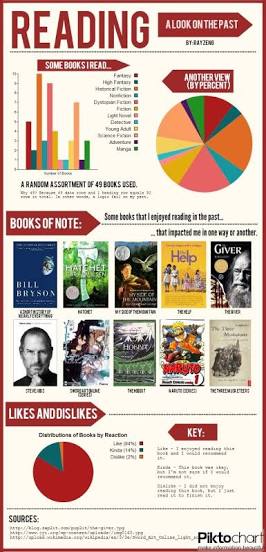
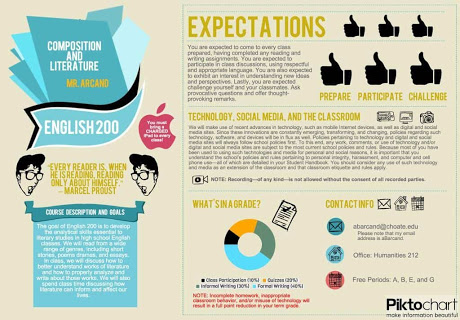
Piktochart is a web-based infographic application which allows users without intensive experience as graphic designers to easily create professional-grade infographics using themed templates.
1. Choose a template
Your first step would be to select the most proper infographic format: poster, presentation, report or infographic. Secondly you should choose one from free templates. Choosing a template makes it really fast to create a complete infographic. However, you can work on your own from the very beginning and just ignore them. There are few free templates for each format. With paid version of Piktochart you get access to many more.
2. Edit everything
You can edit whatever you want to be changed. It can be text, chart, background, logo or title. Pitkochart uses drag and drop technique. You can move all elements, make them transparent or vanish. You have access to free graphics (various shapes, icons, photos, lines), backgrounds, texts, fonts and tools. Working with it is very simple and intuitive.
3. Use your graphic content
You are able to use your own graphic content, pictures, logos, signs. You just need to upload them. You have up to 40 MB space to store your graphics.
4. Visualize your data
Creating your own charts couldn’t be easier. You can choose from variety of samples. Then fill chosen one with your data. You can change all the colors, write your explanation etc.
5. Download or share
Examples of Piktochart:

 EDUCATIONAL TECHNOLOGY 2